⚠️ Important notice: This product is the English version of WooConnect. Please make sure you select the correct language version before purchasing to avoid buying the wrong version by mistake. For the Persian version, visit نرم افزار ووکامرس با اتصال اکسل.
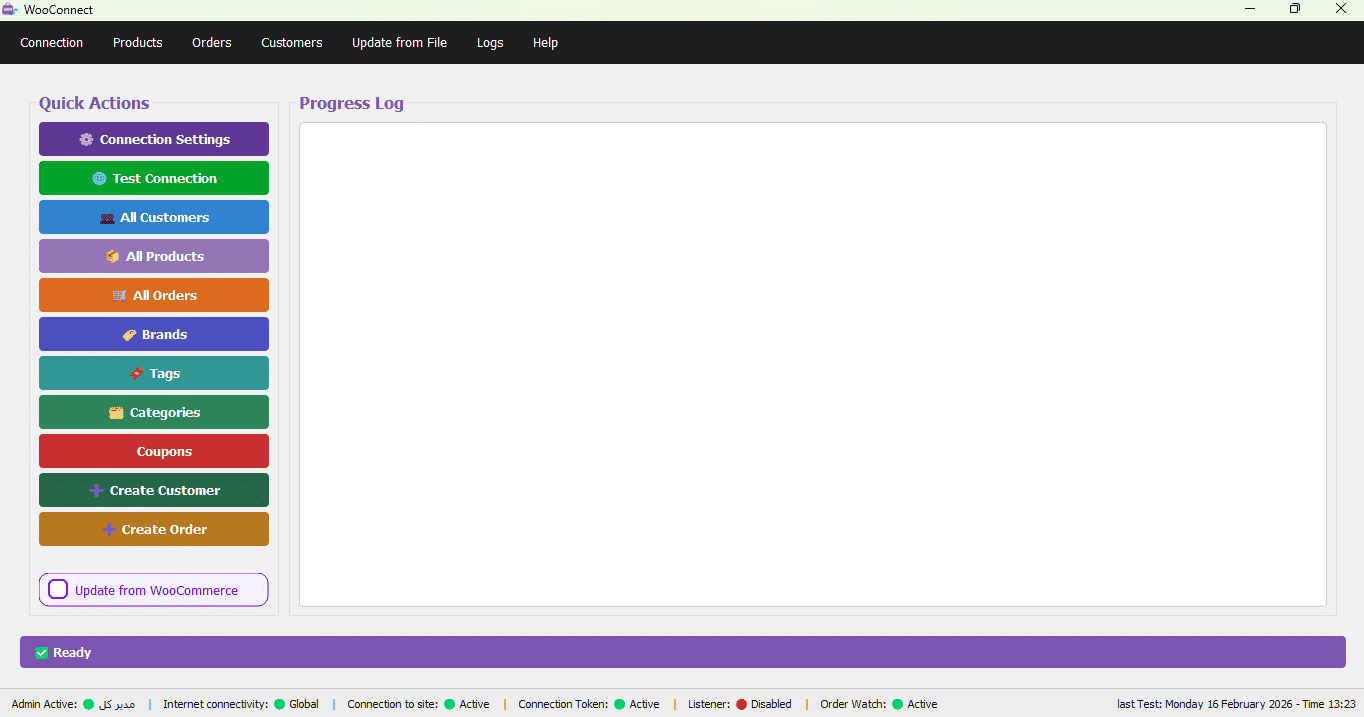
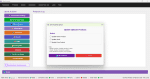
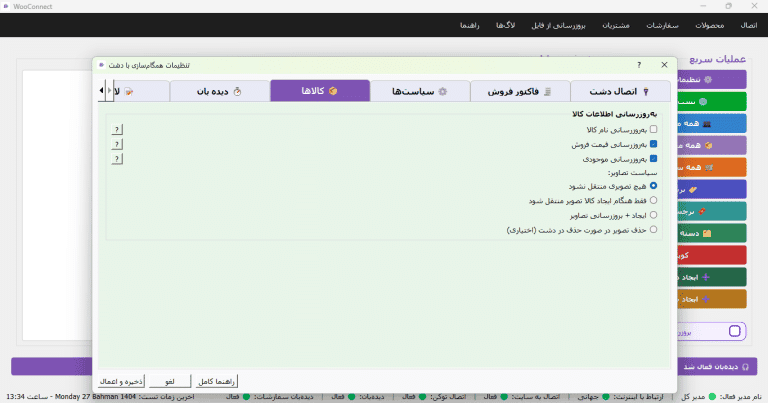
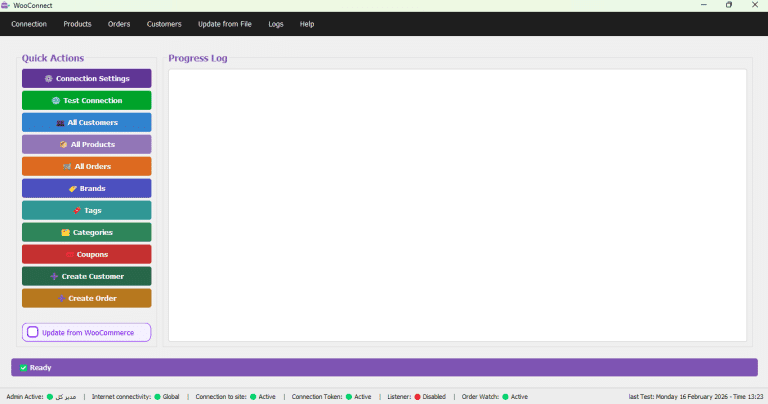
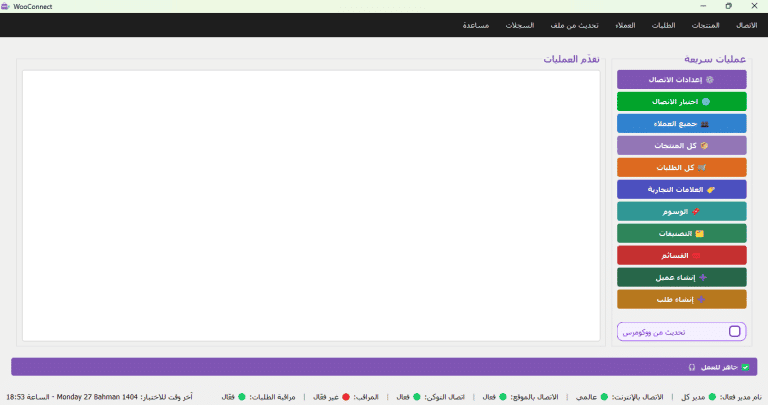
WooConnect is a standalone Windows 10/11 application for connecting and syncing Excel files with your WooCommerce store.
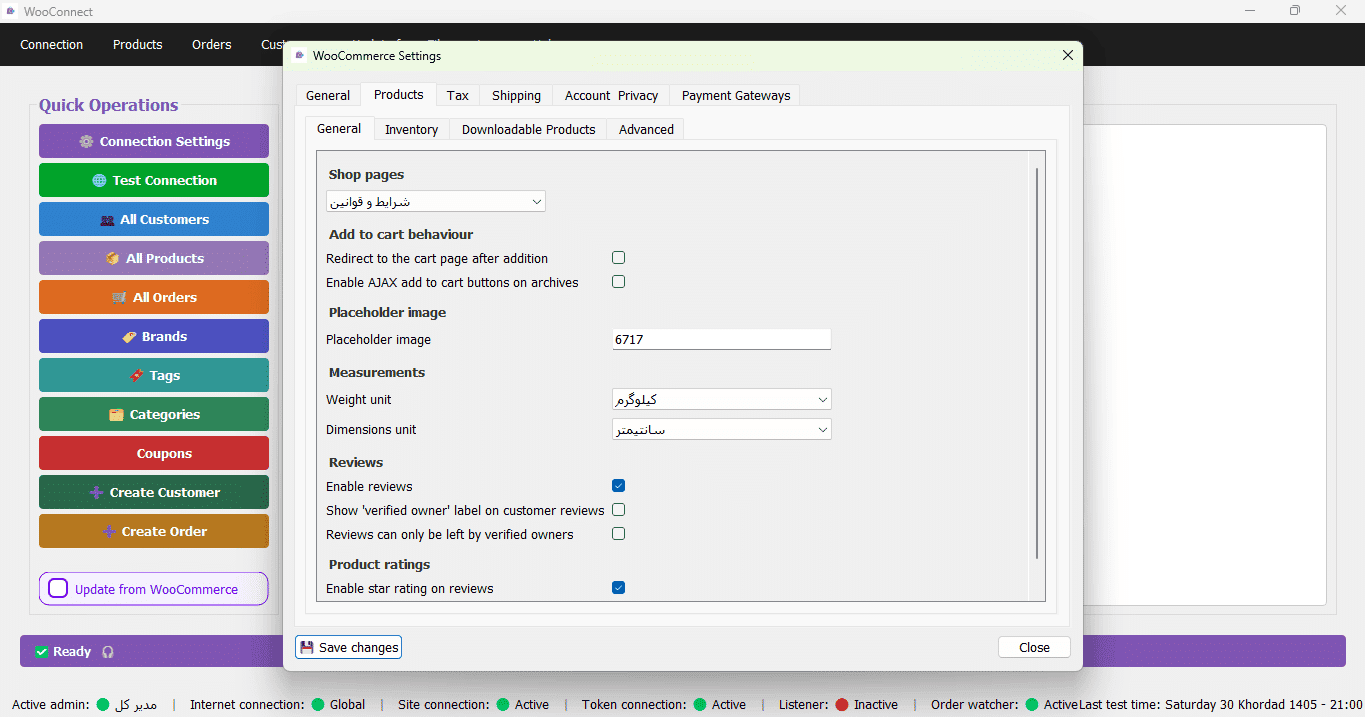
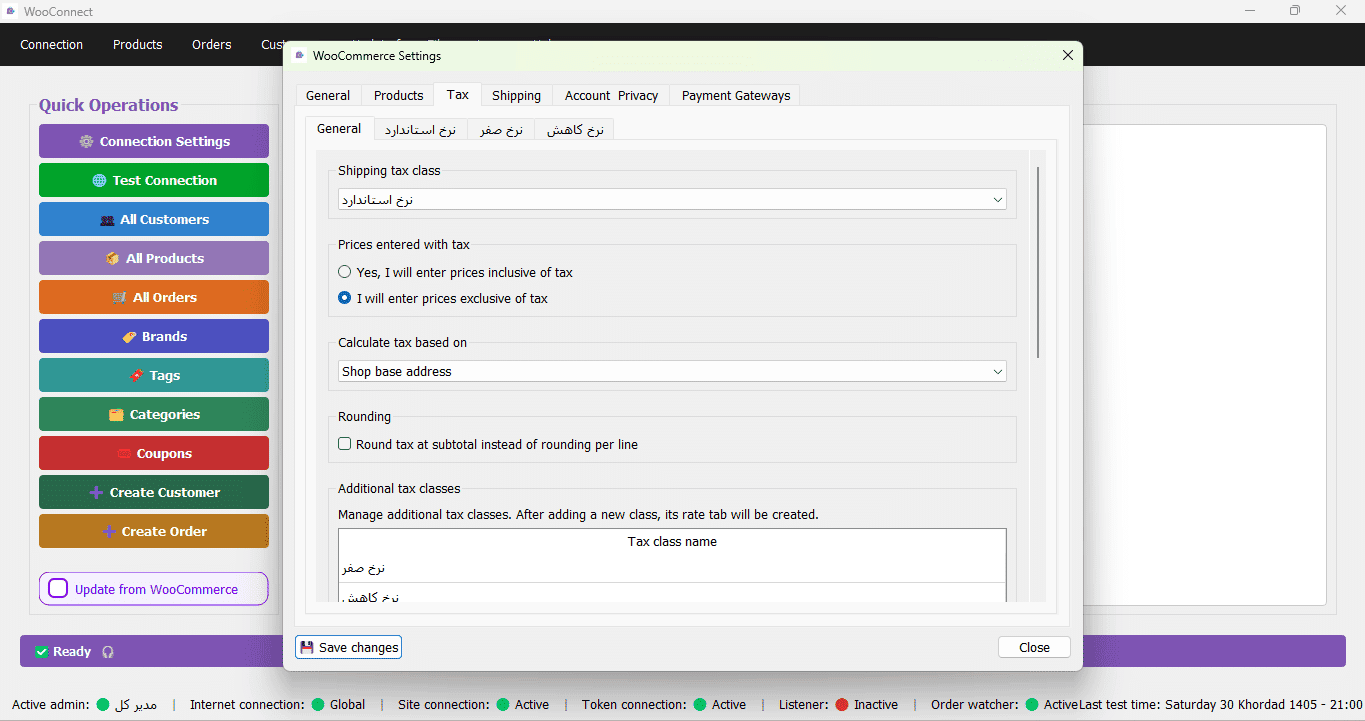
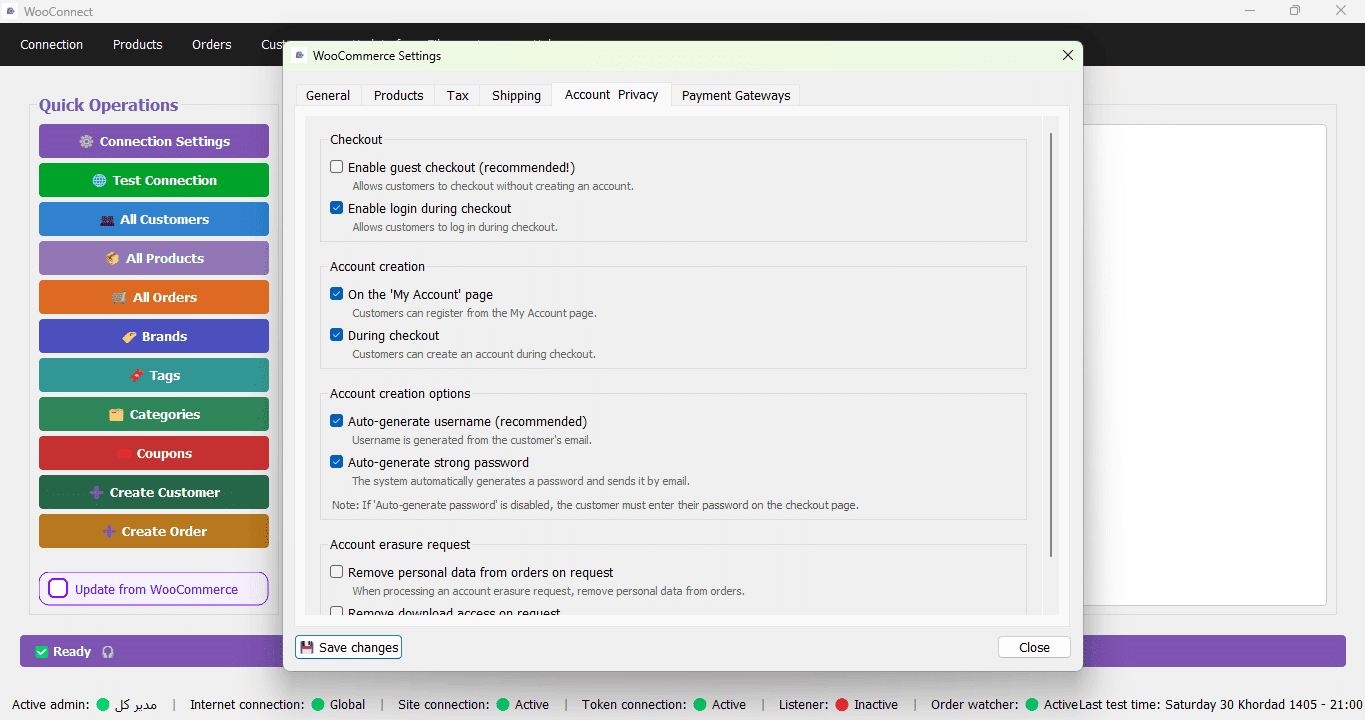
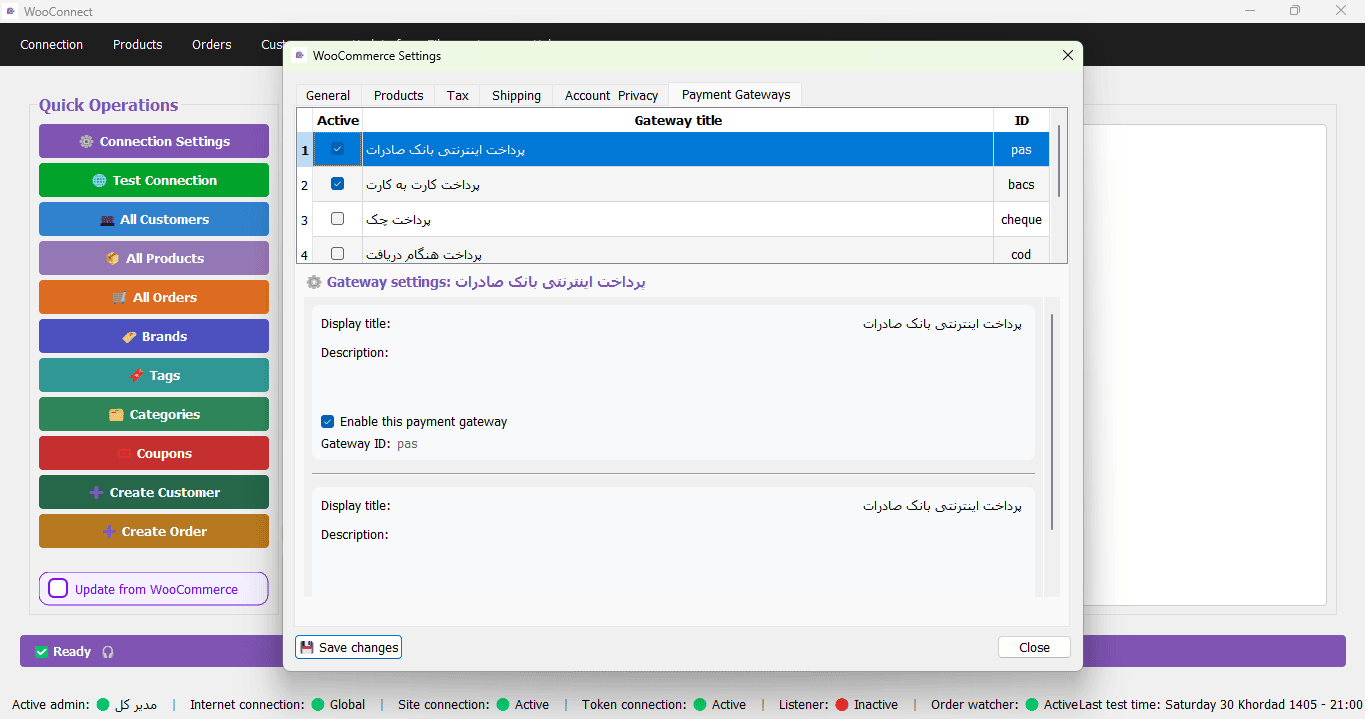
In addition to data synchronization, WooConnect provides extensive store management features directly from within Windows, giving store managers and sales staff complete control. For installation guidance, see WooConnect Installation Guide.
14-Day Free Trial of WooConnect
We are confident in the quality of our software, which is why we give you 14 days to try WooConnect for free—so you can test its performance and compatibility with your system before purchasing.
⚠️ Important note: WooConnect is a connection and synchronization software. Therefore, to use the trial version, you must have an active WooCommerce store and Excel files on your system.
Trial Activation Process:
- You submit a request for the 14-day free trial.
- The WooConnect support team will contact you and, before sending the download link, will verify that your WooCommerce store is active.
- After initial confirmation, the download link for the appropriate version will be sent to you, and your 14-day trial period will begin.
- If you do not have an active WooCommerce store, the trial version will not be available at this time.
We recommend that before requesting the trial, you review the
WooConnect Installation Guide to become familiar with the setup steps.
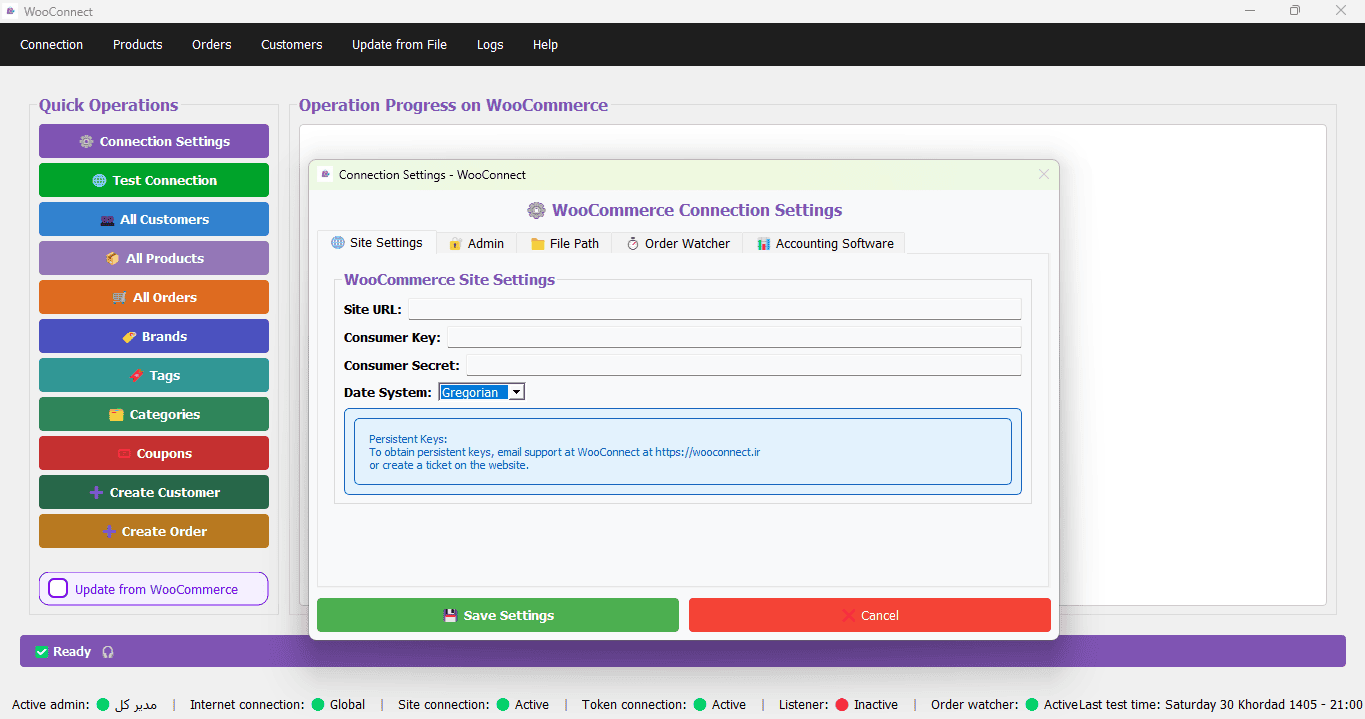
Connecting WooCommerce to Excel with WooConnect is one of the most effective solutions for online stores that rely on Excel to manage pricing and inventory. WooConnect provides a complete, stable, and fully automated connection, allowing you to manage multiple parts of WooCommerce directly from within Windows. For a step-by-step guide, read How to Connect Excel to WooCommerce.
Table of Contents
WooConnect Features for WooCommerce Management
WooConnect helps you run daily store operations faster and more accurately. The app is built for day-to-day tasks—products, customers, orders, discounts, and shipping—inside a single Windows interface. For a comparison with other solutions, read Comparison of WooConnect with other connection methods.
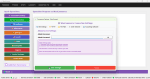
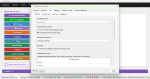
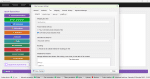
✨ New Special Feature: WooConnect now includes AI‑powered SEO description generation. With one click on the «Generate with AI» button in the product description tab, the application automatically creates a full, attractive, and search‑engine‑optimised description (including internal links to related products). This feature drastically reduces the time needed to create product content and improves your store’s SEO.
Products, Categories, and Brands Management
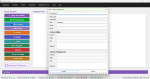
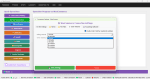
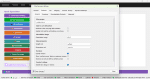
With WooConnect, you get full access to WooCommerce products and can manage your catalog without entering the WordPress admin panel. For advanced inventory management, read Best Inventory Management Methods with WooConnect.
WooCommerce Product Editing
- View the full WooCommerce product list
- Edit product details (name, description, publish status, and more)
- Update pricing and control pricing policies
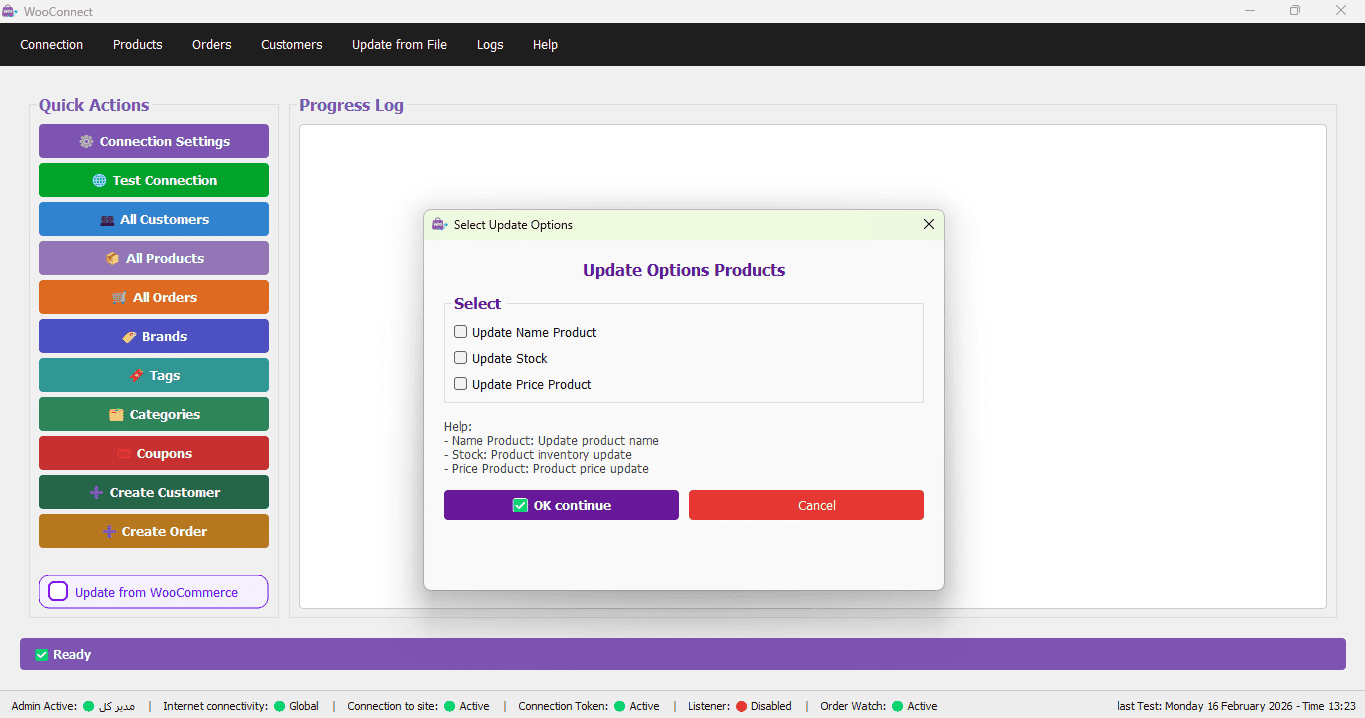
- Manage stock levels to prevent mismatches between Excel and WooCommerce
- Generate SEO descriptions with AI (New!)
Category Management
- View and manage WooCommerce product categories
- Organize and refine categories for stores with large and diverse catalogs
Brand Management
- View and manage product brands
- Preserve the relationship between brand – product – category (ideal for brand-focused stores)
Excel-Based Price and Stock Updates (Excel is the Only Source):
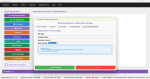
In this package, the only source for price and inventory updates is the Excel file. Your Excel file must include: Product Code (SKU), Product Name, Product Price, and Product Stock. You provide this file to WooConnect, and WooConnect updates your WooCommerce products based on it.
Important note: This Excel package has no direct integration with Holoo or Dasht accounting software. Updates are performed only through Excel.
WooCommerce Customer Management
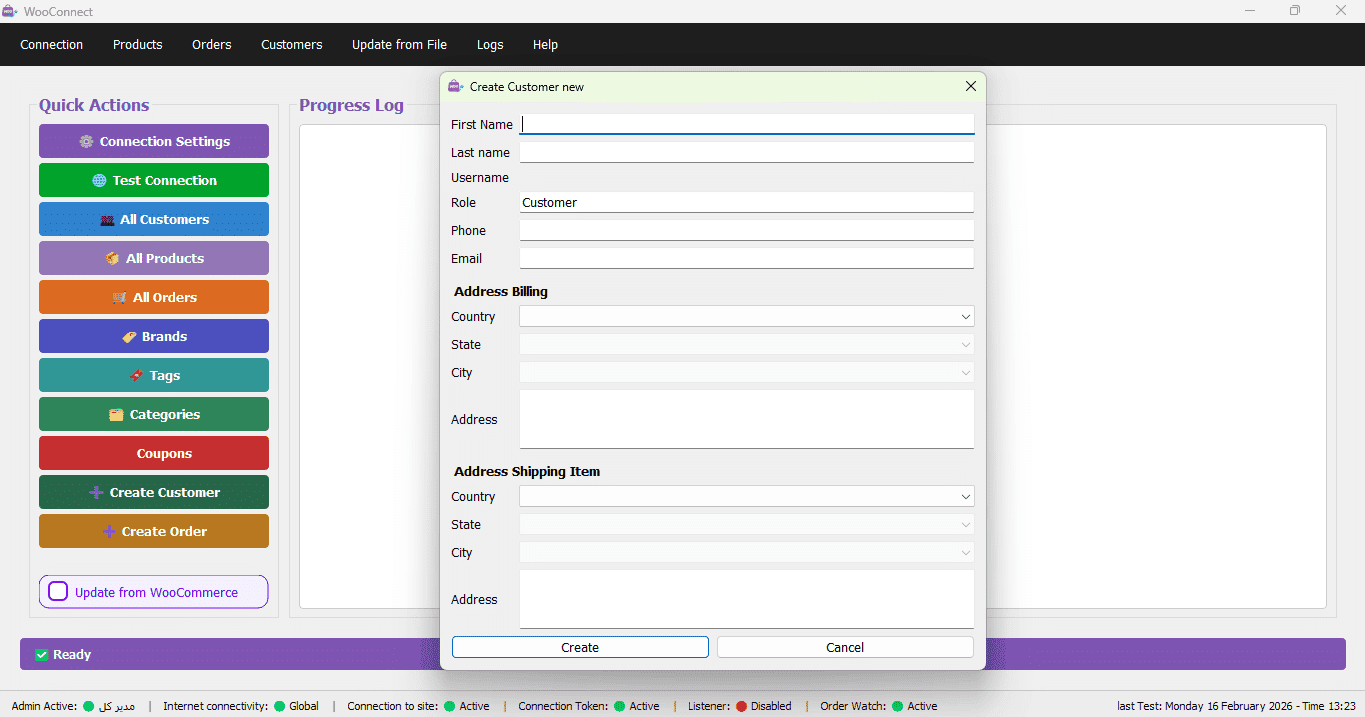
WooConnect also enables customer data management. Customer details recorded in orders can be viewed to improve sales operations and customer communication.
- View WooCommerce customer information
- Review customer purchase history
- Support better CRM, follow-ups, and reporting
Order Management and Updates from Excel
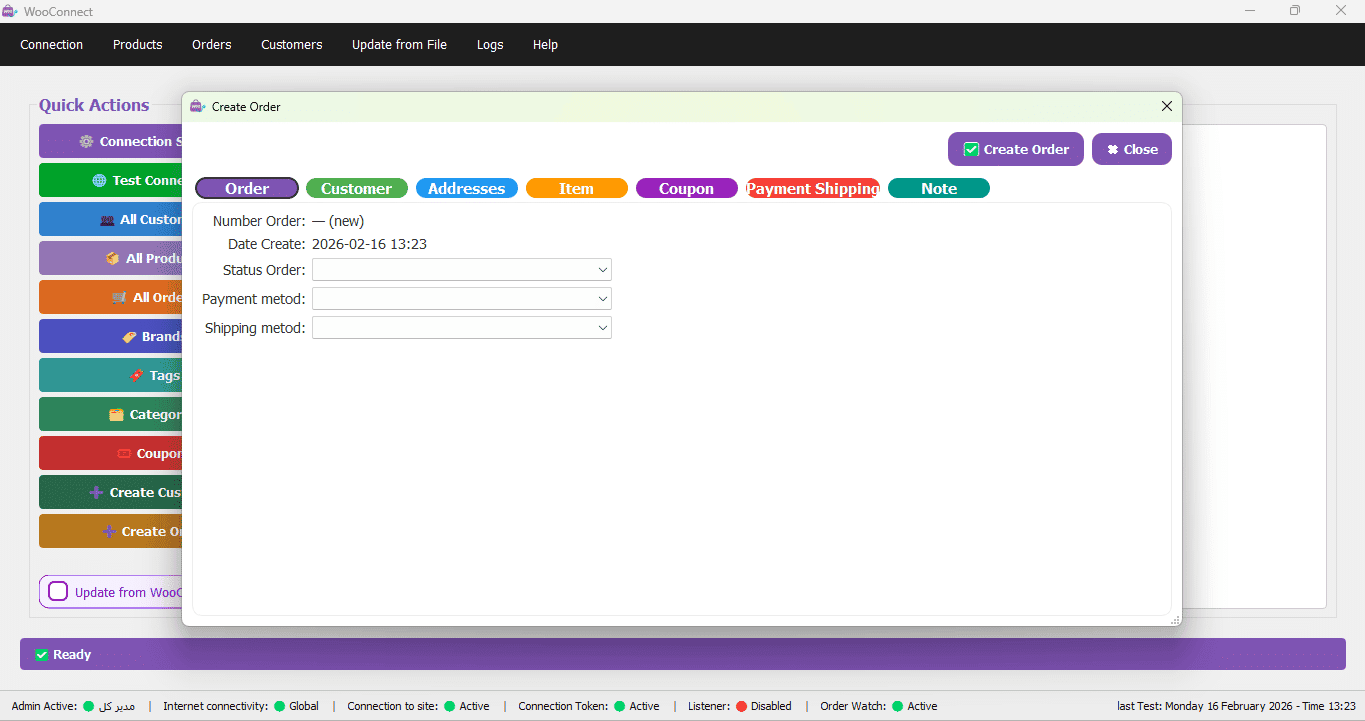
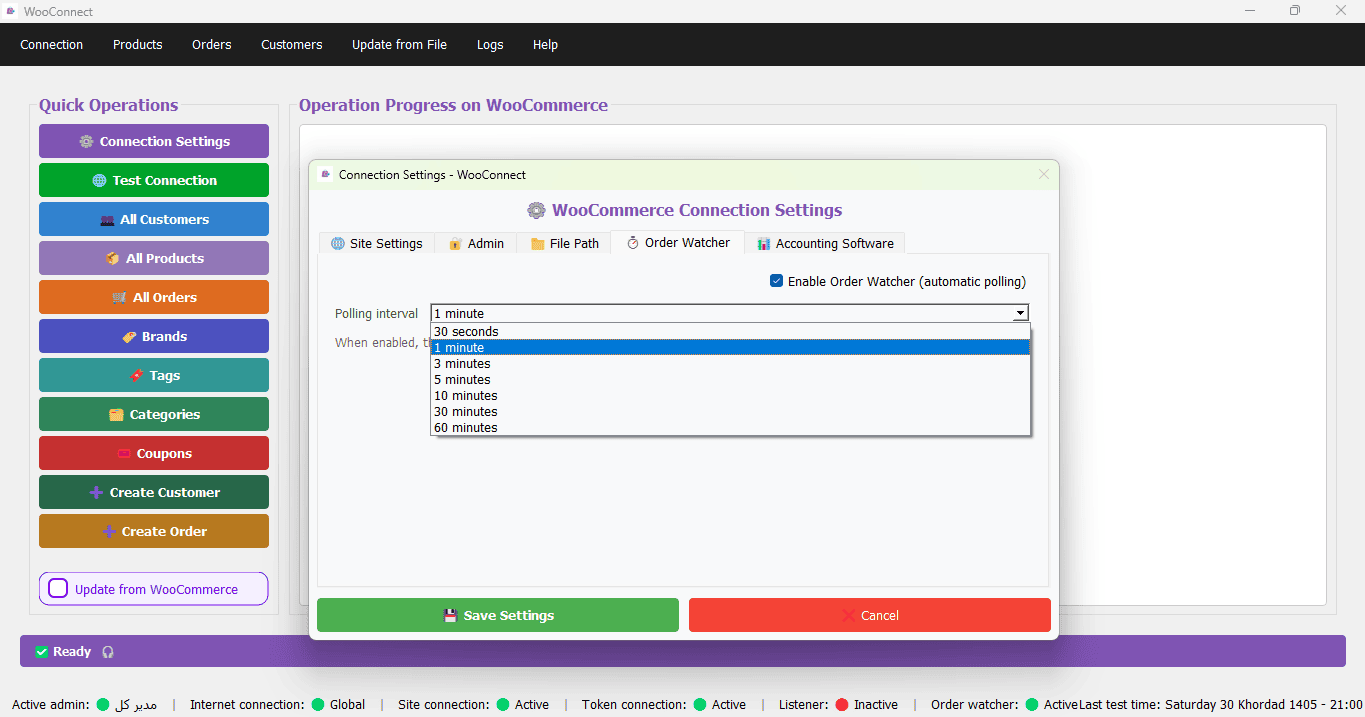
In the Orders section, WooConnect provides full access to WooCommerce orders and helps you manage order statuses efficiently.
- View, review, and manage order status
- Export or retrieve order data for reporting
- Reduce manual entry and streamline the sales workflow
Coupons, Discounts, and Pricing Control
WooConnect gives you tools to manage WooCommerce coupons and discounts, so you can maintain tighter control over sales strategy.
- View and manage active WooCommerce coupons
- Control discount rules and pricing policies
- Improve consistency between discounts and sales reports
Shipping Management and Postal Label Printing
For stores with high order volume, WooConnect includes tools for shipping operations.
- View shipping details and delivery methods
- Track shipment status (when shipping info is available)
- Generate and print postal/shipping labels to simplify packing and dispatch
License, Activation, and Requirements
This product includes a 14-day free trial and paid 3-month, 6-month, and 12-month licenses. Each license is valid for one WooCommerce store and one Windows system only. Activation is handled securely. Technical support and new software updates are available only while your license is active.
Requirements: An active WooCommerce store, Windows operating system, and internet access for license activation.
Useful Links and Educational Articles:
Frequently Asked Questions (FAQ)
Is WooConnect a WordPress plugin?
No. WooConnect is a standalone Windows application.
In the Excel package, are WooCommerce updates done only via Excel?
Yes. In the Excel version, price and stock updates are performed only through an Excel file (Product Code/SKU, Name, Price, Stock). For more details, read How to Connect Excel to WooCommerce.
Does this package connect directly to Holoo or Dasht?
No. The Excel package does not include a direct connection to Holoo or Dasht. For Holoo connection, see Holoo Version.
How many stores can be used with one license?
Each license is valid for one WooCommerce store only.
What are the license duration options?
WooConnect offers flexible license durations to suit your needs: 3-month, 6-month, 12-month
Is there a Persian version available?
Yes. The Persian version is available at نرم افزار ووکامرس با اتصال اکسل. Please make sure to select the correct language version before purchasing.


David –
I don’t use Excel updates at all, but having access to the WooCommerce admin panel is great. I’m really happy. It’s made my job a lot easier. Thank you.
Project Manager (مدیر فروشگاه ) –
We value your opinion, and your satisfaction is our sincere wish.
jack smith –
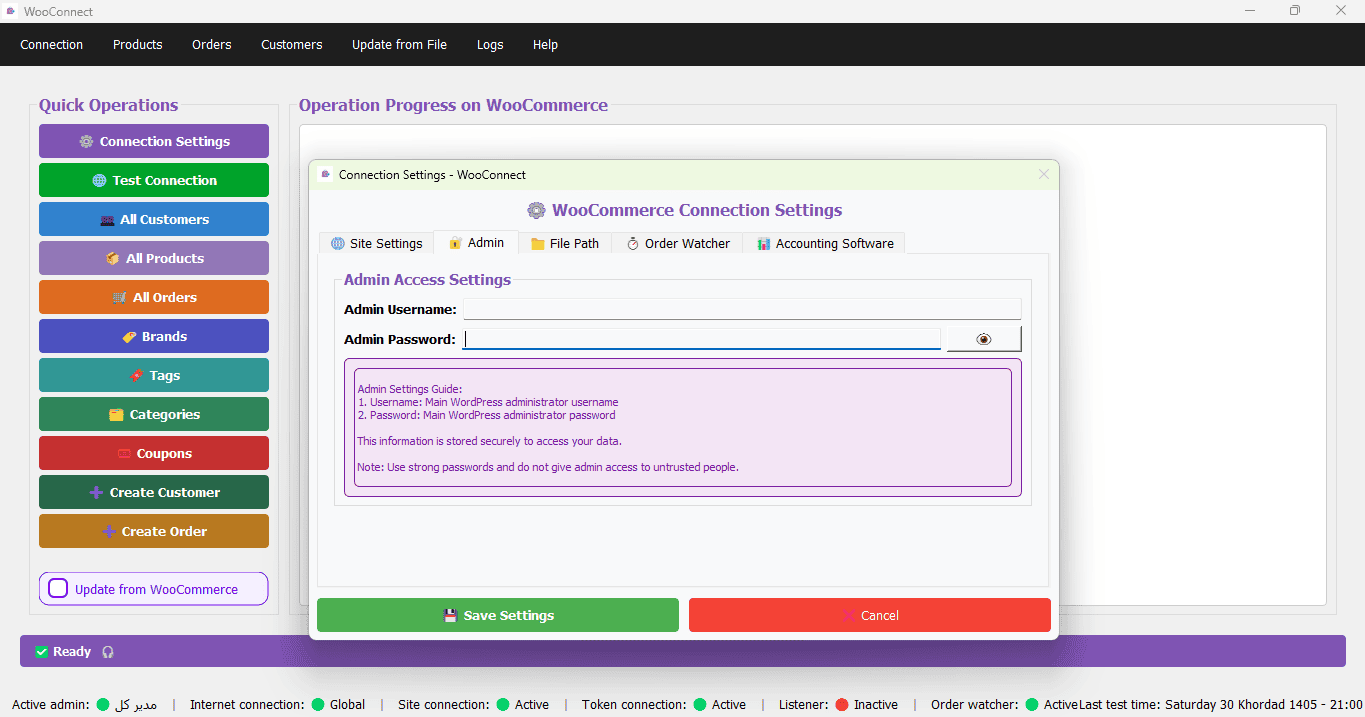
I don’t have accounting software, but now I can work very easily with Excel, and this damn VConnect doesn’t even require you to log in to the site. It does everything for you, and God has made it so easy.
Project Manager (مدیر فروشگاه ) –
We value your opinion, and your satisfaction is our sincere wish.
maria –
Oh my God, its speed is unbelievable. I’ve lived outside of Iran and I can’t believe it updates 6,000 products in 3 seconds. It even updates products the second time around in zero seconds. I don’t think anything like this has ever existed anywhere in the world.
آرش همام (مدیر فروشگاه ) –
We value your opinion, and your satisfaction is our sincere wish.